Quickstart VS Code
Quickstart with VS Code
Make sure you have installed Devsy on your system.
Install Prerequisites
Make sure to install the following prerequisites:
Add a Provider
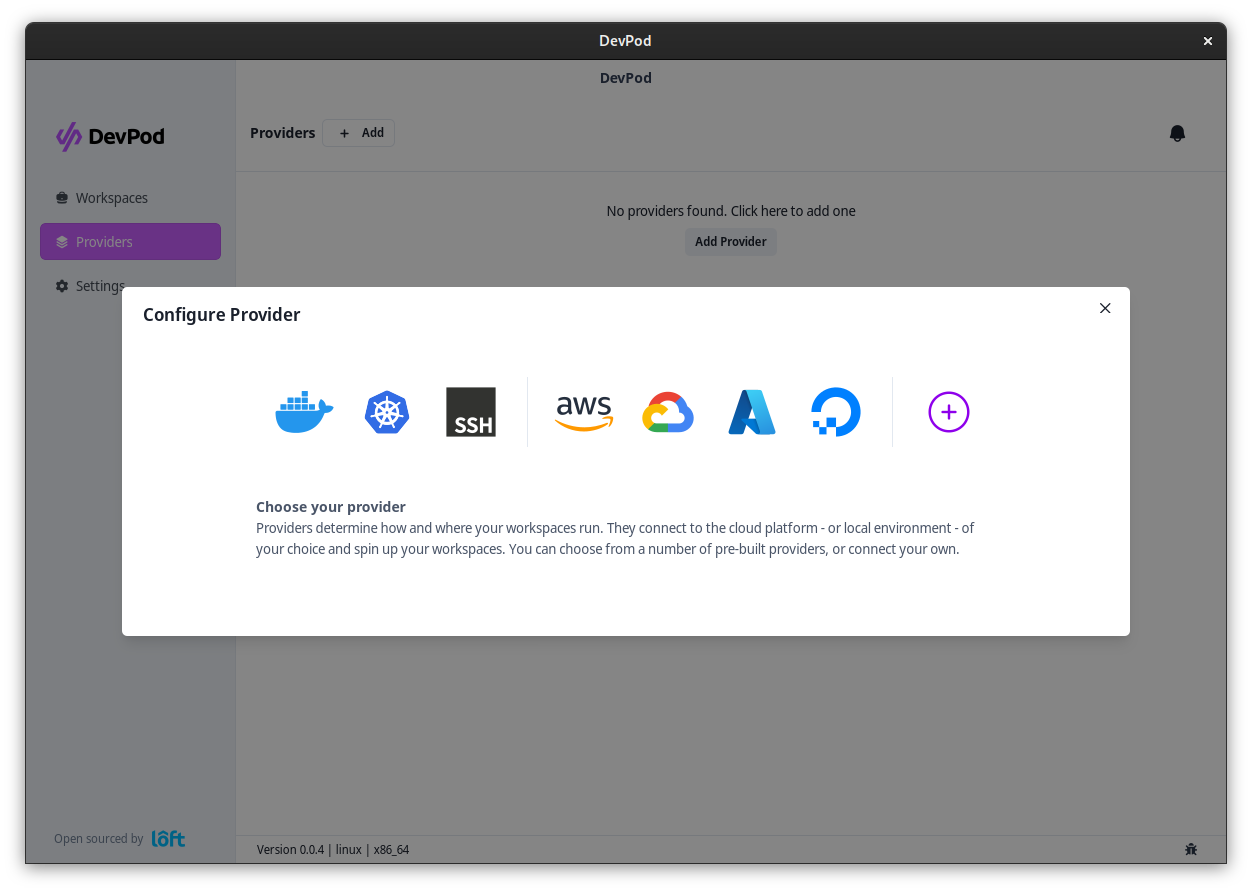
Add a provider via 'Providers' > '+ Add'. Select a provider and select 'Continue'.
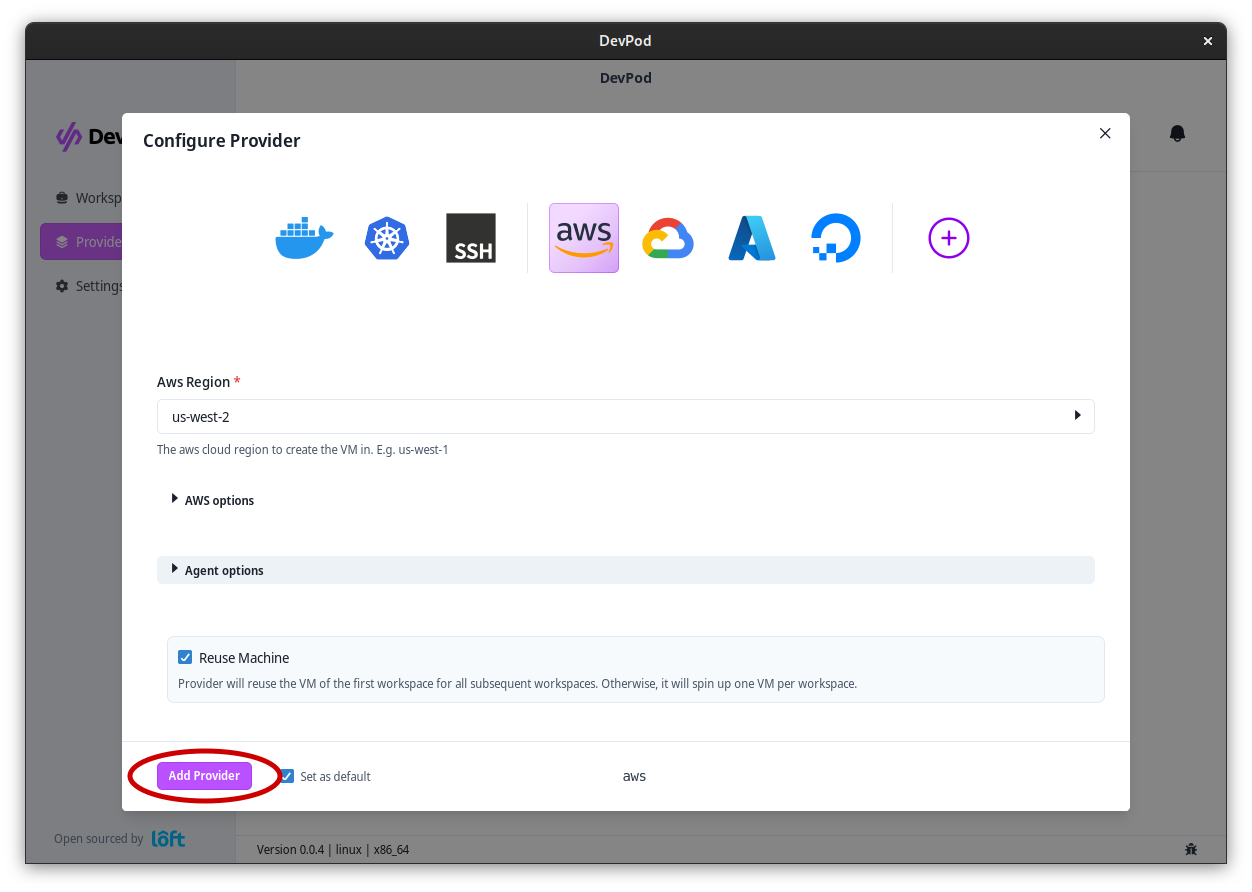
After selecting a provider, fill out the options (if necessary) and click on 'Add Provider'
Start a Workspace with VS Code
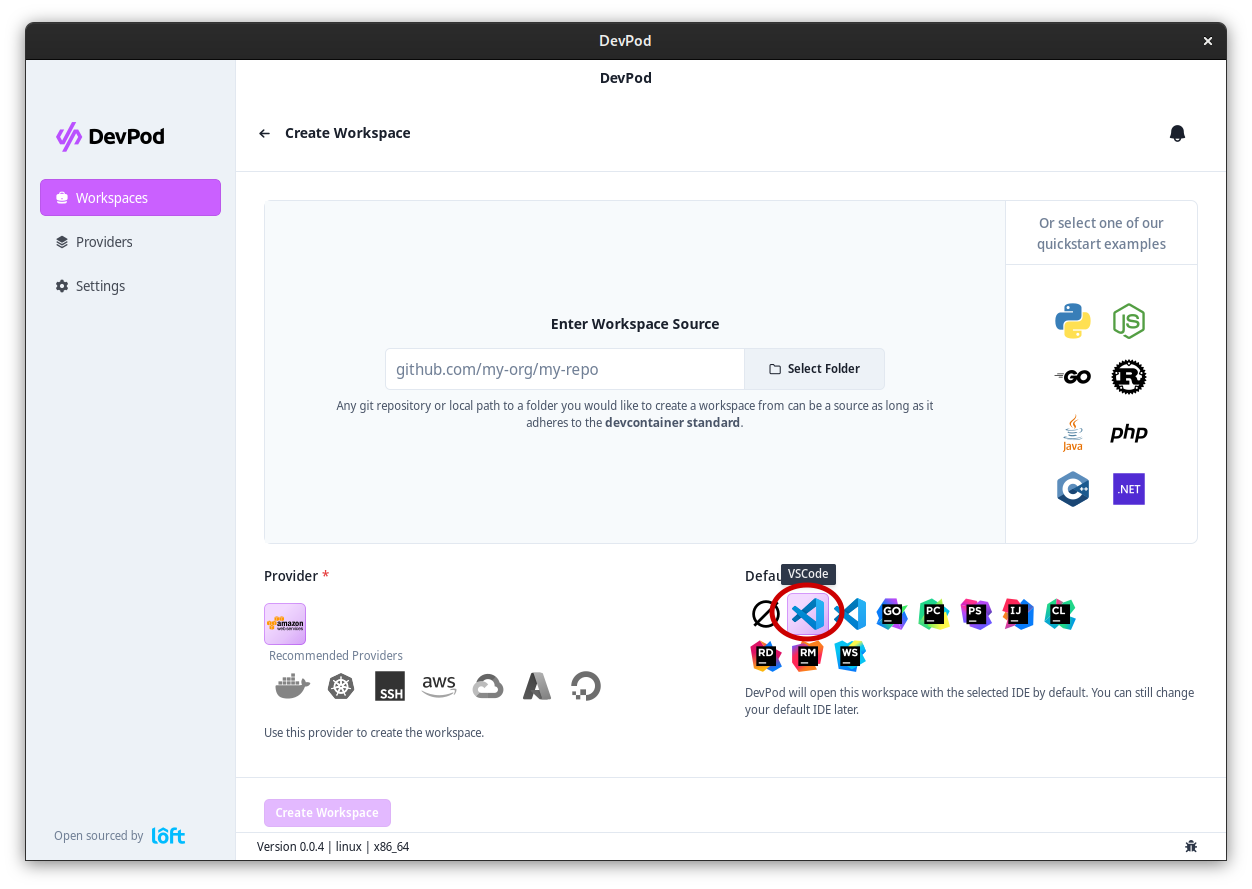
Navigate to 'Workspaces' > '+ Create' to launch the workspace wizard. Step through:
- Provider – pick an initialized provider.
- Source – enter your project URL or choose one of the quickstart templates.
- IDE – select VS Code.
- Review – confirm the configuration.
- Launch – start the workspace.
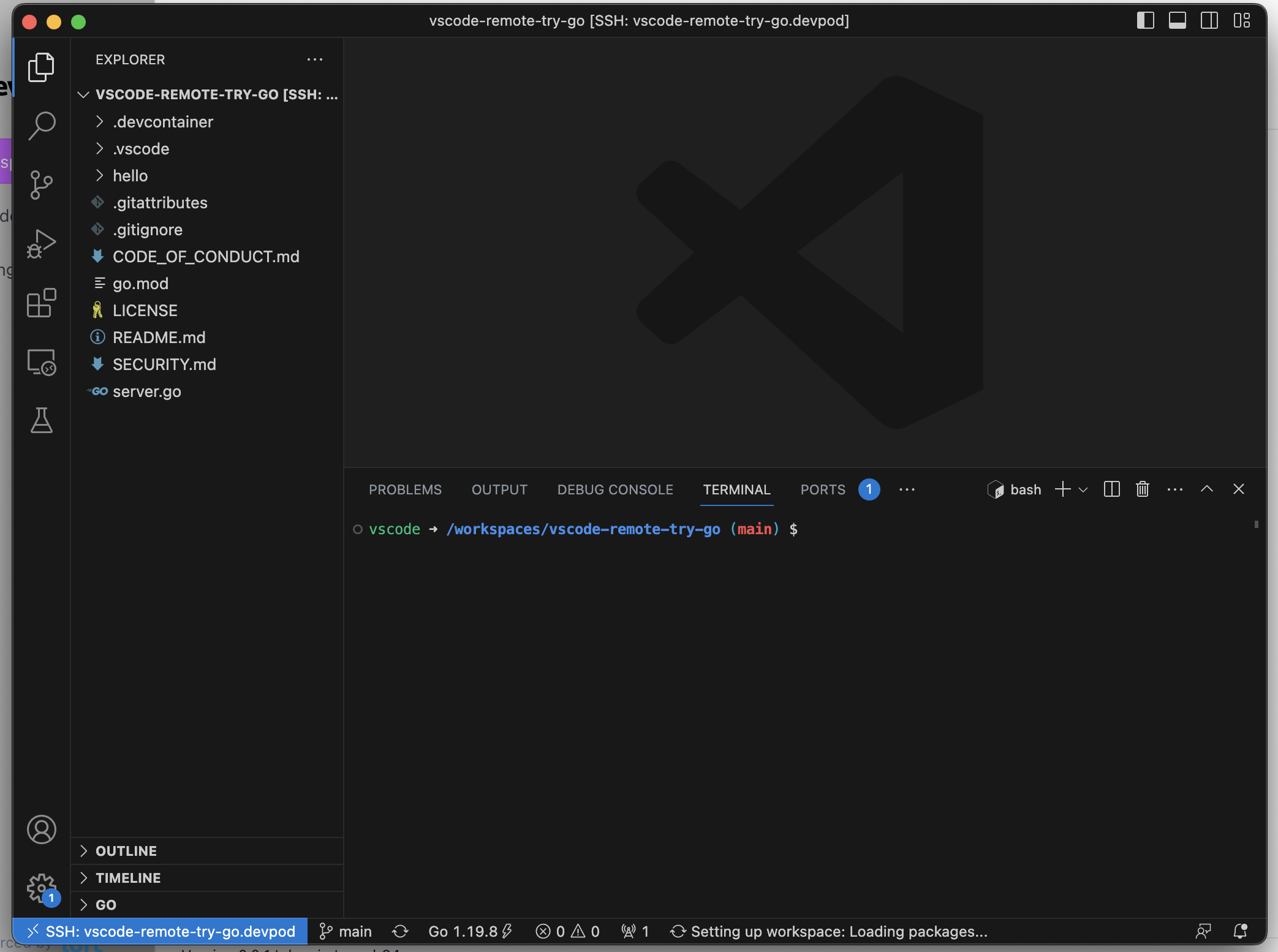
The wizard streams logs as Devsy starts the workspace. Once it's ready, VS Code opens locally connected to the DevContainer.